Minecraft IP Bans vs Account Bans: What Actually Gets Blocked by Servers?
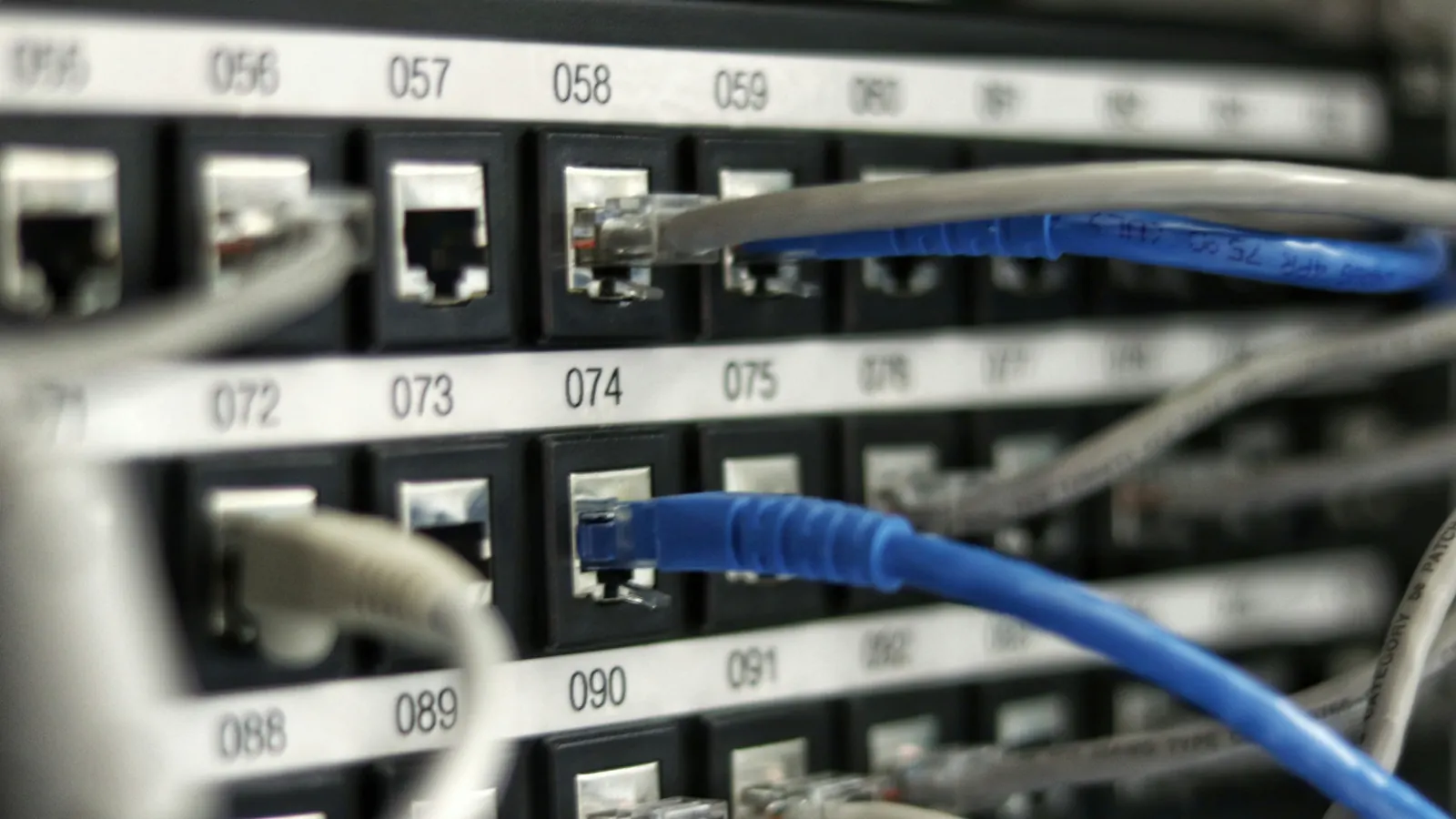
Photo: Jordan Harrison / Unsplash
When a multiplayer server blocks a player, forum discussions quickly fill with rumors about "hardware bans," "IP tracking," and "blacklisted routers."
Much of this advice is inaccurate. Minecraft Java Edition is built on open networking protocols with defined data boundaries. A standard Minecraft server cannot inspect your hard drive, read your motherboard serial numbers, or see your local device name.
This technical breakdown explains what the Minecraft networking protocol actually exposes to server operators, the mechanics of account bans versus IP bans, and why commercial VPNs often trigger automated disconnects.
What the Minecraft protocol actually exposes
When you join a Java Edition multiplayer server, your client establishes a standard TCP connection (by default over port 25565). The handshake follows a strict protocol specification:
1. Client ──[ TCP Handshake ]──► Server
   Exposes: Client Public IP Address + Ephemeral Port

2. Client ──[ Handshake Packet 0x00 ]──► Server
   Exposes: Protocol Version, Server Hostname, Port

3. Client ──[ Login Start 0x00 ]──► Server
   Exposes: In-Game Username

4. Server ◄──[ Encryption & Authentication ]──► Mojang Session Server
   Verifies: Player UUID (via sessionserver.mojang.com)
Outside of custom client wrappers, the server receives exactly two reliable identity markers:
- Your public IP address (from the TCP socket header).
- Your 128-bit UUID (cryptographically verified by Mojang's session servers).
The server cannot see:
- Your MAC address (layer-2 addresses are stripped at your local router).
- Your hardware components (CPU ID, GPU serial, motherboard UUID).
- Your Windows or macOS user profile name.
- Your local filesystem paths or installed programs.
---
1. Account Bans (UUID Bans)
An account ban targets your cryptographic Minecraft identity, not your physical computer or network connection.
How it works
On a standalone server, account bans are written to banned-players.json. On enterprise networks like Hypixel, they are stored in distributed relational databases (using systems like LiteBans or proprietary network management software).
When an account is banned, the server stores the player's UUID.
Key characteristics:
- Username changes do not bypass it: Because Minecraft servers index bans by UUID rather than username, changing your name on
minecraft.netdoes nothing. When you reconnect, Mojang returns the exact same UUID, and the server rejects the login packet. - Network changes do not bypass it: Restarting your router, connecting via a cellular hotspot, or traveling to another country will not lift an account ban.
- Other accounts on the same IP are unaffected (by default): If only an account ban is issued, another account with a different UUID connecting from the same home internet connection can still log in normally, unless the server enforces automated ban-linking.
---
2. IP Bans: Network-Level Blocking
An IP ban targets the public IP address assigned to your modem or router by your Internet Service Provider (ISP).
How it works
IP bans are stored in banned-ips.json or handled directly at the network edge via Linux firewall rules (iptables / nftables) or TCP reverse-proxy protection layers (such as Cloudflare Spectrum or TCPShield).
The collateral damage problem
Because residential internet connections share a single public IP address across all household devices via Network Address Translation (NAT):
- An IP ban blocks every Minecraft account connecting from that physical location.
- If a sibling or roommate is banned on an IP level, your account will be blocked from joining the server as well, even if you never broke a rule.
The dynamic IP reality
Most home internet connections use dynamic IP addressing. Your ISP leases an IP address to your router for a specific duration. When the router reboots or the lease expires, your ISP assigns a new IP from its regional pool.
This creates two issues:
- An offender whose router receives a new dynamic IP can unintentionally bypass an IP ban without changing their hardware.
- An innocent neighbor who is subsequently leased the recycled, banned IP address will find themselves blocked from the server before they ever join.
For this reason, major server networks rarely rely on permanent standalone IP bans. Instead, they use temporary IP throttles combined with UUID-based punishments.
---
3. The Commercial VPN and Datacenter Trap
When faced with an IP ban, players often attempt to connect through commercial VPN services (like NordVPN, Mullvad, or ProtonVPN).
On major networks, this almost always fails.
How servers detect VPNs:
Every IP address belongs to an Autonomous System Number (ASN) registered with regional internet registries (like ARIN or RIPE).
- Residential connections belong to consumer ISPs (such as Comcast, AT&T, Spectrum, or Vodafone).
- VPNs and proxies operate out of commercial datacenters (such as AWS, DigitalOcean, OVH, or Choopa).
Major Minecraft networks run automated plugins that query real-time IP intelligence APIs (like MaxMind, IPQualityScore, or Spur). When an incoming connection originates from an ASN classified as hosting or datacenter, the server immediately blocks the handshake:
"You are connecting via a VPN or Proxy. Please disable it to join."
On Hypixel, repeatedly attempting to connect through flagged datacenter proxies can trigger an automated Account Security Alert ban.
---
4. Hardware Bans (HWID): Myths vs. Reality
Can a Minecraft server issue a true hardware ban (HWID)?
In standard Minecraft: No.
If you launch the game using the standard launcher, Fabric, Forge, or open-source clients like Prism Launcher, a hardware ban is technically impossible. The Java Virtual Machine (JVM) operates in user space and does not transmit hardware fingerprints over the Minecraft network protocol.
In proprietary anticheat clients: Yes.
Hardware bans do exist, but only if you voluntarily run a third-party client with custom anticheat software:
- Badlion Client (BAC): When participating in competitive leagues requiring client-side anticheat, the proprietary client runs native C++ binaries that inspect hardware serial numbers.
- Custom server launchers: Competitive tournament servers that require players to install custom client binaries can generate a unique hardware hash based on disk serials and motherboard IDs.
If you are not running a dedicated third-party anticheat client with administrative permissions, you cannot receive a hardware ban.
Summary checklist
| Punishment Type | What is stored | Bypassed by new IP? | Bypassed by new account? |
| :-------------- | :------------------------------------- | :------------------ | :---------------------------- |
| Account Ban | Player UUID | No | Yes (unless linked) |
| IP Ban | Public IP address | Yes | No (until IP changes) |
| HWID Ban | Hardware serials (Custom clients only) | No | No (without new hardware) |
If you need a clean, separate account for testing, content creation, or unpunished play, start with verified MFA accounts or Hypixel unbanned listings. Always play cleanly and follow server rules rather than attempting to evade active competitive punishments.