How to Change Your Minecraft Username and Skin: Rules, Cooldowns, and Common Pitfalls
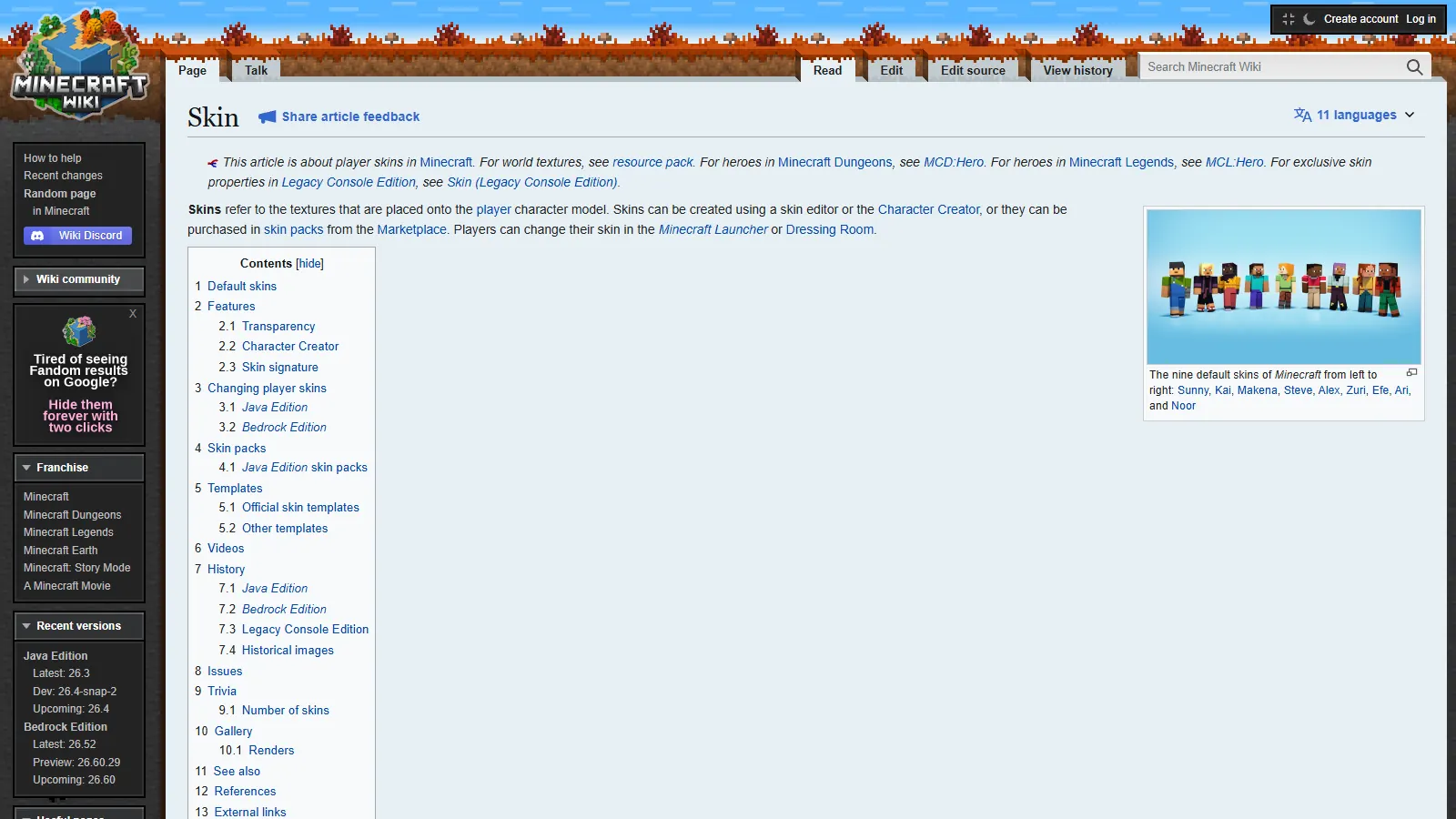
Screenshot: Skin – Minecraft Wiki (minecraft.wiki)
When setting up a new Minecraft account or rebranding an alt, changing your in-game name (IGN) and skin is usually the first priority.
However, Mojang enforces strict cooldowns, character restrictions, and a lesser-known 37-day name reservation rule. Furthermore, the interplay between Microsoft account names, Xbox gamertags, and Java usernames causes constant confusion for buyers and players alike.
This guide outlines the exact rules, the technical architecture behind player identities, and how to update your cosmetics without running into cooldown traps.
The three identity layers: Avoid this common mistake
Players frequently complain that they changed their name on Microsoft's website, but their Minecraft Java character still shows their old username in-game.
That happens because your account consists of three completely distinct identifiers:
┌─────────────────────────────────────────────────────────────┐
│ 1. Microsoft Account Display Name                           │
│    Used for: Windows logins, billing, email receipts        │
│    Portal: account.microsoft.com                            │
├─────────────────────────────────────────────────────────────┤
│ 2. Xbox Gamertag                                            │
│    Used for: Xbox Live, Bedrock Edition, Windows Xbox App   │
│    Portal: xbox.com                                         │
├─────────────────────────────────────────────────────────────┤
│ 3. Minecraft: Java Edition Profile Name (IGN)               │
│    Used for: Java multiplayer servers, chat, Tab list       │
│    Portal: minecraft.net/profile                            │
└─────────────────────────────────────────────────────────────┘
Changing your Microsoft display name or your Xbox gamertag does not change your Java Edition in-game name. Your Java IGN is managed exclusively through Mojang's profile portal on minecraft.net.
Official Java Edition username rules
Mojang maintains strict validation parameters for all Java usernames:
- Length: Must be between 3 and 16 characters long.
- Allowed characters: Letters (
a-z,A-Z), numbers (0-9), and underscores (_). No spaces, hyphens, periods, or special symbols. - Case sensitivity: Changing capitalization (e.g., from
redlinetoRedLine) does not count as a free name change—it consumes your standard name change cycle. - Appropriateness: Usernames violating community guidelines can be flagged or reset by Mojang moderators.
The 30-day cooldown and the 37-day reserve window
When you change your Java username, two distinct timers start simultaneously:
1. The 30-day cooldown
Once a name change is confirmed, your account enters a mandatory 30-day cooldown period. During these 30 days, Mojang's API blocks any further name modification requests. Support agents cannot bypass this cooldown.
2. The 37-day hold ("The Reserve Window")
What happens to your old username after you change it? It does not immediately become available to the public.
Mojang places your old username on an exclusive 37-day hold:
- Days 1 through 30: You are on cooldown and cannot change your name. No one else can claim your old name.
- Days 31 through 37: Your 30-day cooldown has ended. For these 7 days, only your account has the exclusive privilege to change back to your old name if you regret the change.
- Day 37+: Once day 37 expires, the old username drops into the public pool. At that millisecond, any player worldwide—or automated name-sniping software—can claim it.
If you own an account with a desirable or rare name, be aware of this window. Changing away from an original name puts it at risk of being sniped the moment day 37 passes.
Step-by-step: How to change your Java IGN
- Open your browser and navigate to minecraft.net/profile.
- Sign in using your Microsoft account credentials.
- Under My Games, select Minecraft: Java Edition.
- In the Profile Name field, click Change Profile Name.
- Enter your desired username. The system will immediately validate character rules and availability.
- Click Change Profile Name to confirm.
- Restart your Minecraft launcher or log out and back in to refresh your local authentication token.
If you purchased an MFA account on alts.cool, ensure you have completed the initial security sequence outlined in How to Secure a Minecraft Account After Buying before changing names.
Customizing your skin: Classic vs Slim models
Custom player skins are standard 64x64 PNG images. When applying a skin, you must select the appropriate geometry model:
- Classic (Steve): Uses a 4-pixel arm width. Best for standard humanoid characters and armor textures.
- Slim (Alex): Uses a 3-pixel arm width. Reduces shoulder bulk by 1 pixel on each side.
The pitfall: If you upload a skin designed for the Classic (4px) model while selecting the Slim (3px) layout in your launcher, Minecraft will trim pixels, leaving visible black bars or misaligned shoulders. Always verify which format your skin template was mapped to.
Skin layers and CDN propagation
Modern skins support dual layering (the base skin plus an outer "jacket/hat/sleeves" layer). If your skin appears flat or missing hair in-game, open Options → Skin Customization in the Java client and verify that all outer jacket and sleeve toggles are set to ON.
When you upload a skin to minecraft.net, it is distributed to Mojang's global texture delivery network (textures.minecraft.net). While most servers see the change instantly, local proxy caches on large networks may take 10–15 minutes to reflect the new appearance.
Do server stats, ranks, or bans reset after a name change?
No.
Since Minecraft version 1.7.6 (released in 2014), Java Edition servers identify players by an immutable 128-bit Universally Unique Identifier (UUID), not by their username string.
Player: Notch
Permanent UUID: 069a79f4-44e9-4726-a5be-fca90e38aaf5
When you join a server:
- The server checks your session with Mojang's session server, which confirms the account and returns its UUID.
- The server loads your saved playerData (
<UUID>.dat), including your inventory, ender chest, and advancements. - Server networks like Hypixel store ranks (such as VIP or MVP+), Bedwars stats, and SkyBlock profiles indexed strictly by UUID.
Changing your username changes the visible tag above your head and in the chat log, but your ranks, statistics, friends list, and guild memberships remain completely untouched.
Note regarding punishments: Because server bans are also indexed by UUID (via banned-players.json or proxy databases), changing your username will not bypass a ban or mute on any properly configured server.