Hypixel Allowed Mods Explained (2026)
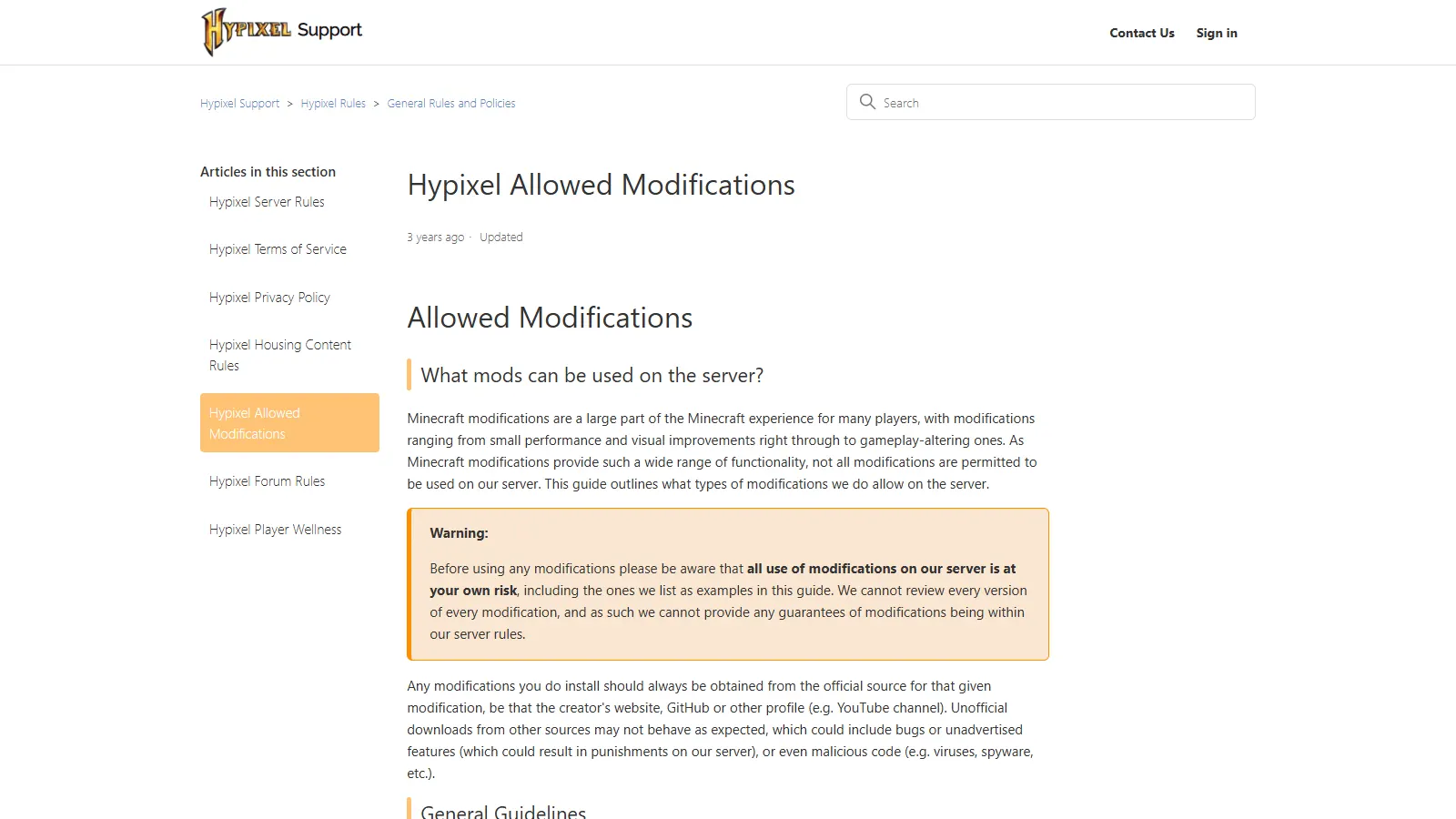
Screenshot: Hypixel Allowed Modifications (support.hypixel.net)
Most Hypixel mod questions come down to the same worry: "Will this get my account banned?"
Hypixel allowed mods are defined by one official page, the Hypixel Allowed Modifications guide on Hypixel Support. It does not work like a whitelist where every listed mod is guaranteed safe. It describes categories of modifications that are permitted, gives examples, and says plainly that all mod use on the server is at your own risk.
This guide walks through what that page says, what Hypixel's rules and Watchdog article add, and how to apply it without guessing.
Start with the "at your own risk" rule
Before listing anything, Hypixel's guide says that all use of modifications on its server is at your own risk, including the mods it names as examples. Hypixel explains that it cannot review every version of every modification, so it cannot guarantee any mod stays within the rules.
The Watchdog FAQ goes further:
- You can never be 100% sure a modification is safe, so Hypixel recommends a fully vanilla client when possible.
- Staff do not approve modifications on request. If you have to ask whether a mod is allowed, Hypixel's recommendation is not to use it.
- If a mod provides any form of advantage over other players, Hypixel strongly recommends removing it.
The guide also says to download mods only from their official source, such as the creator's website or GitHub. Unofficial copies may contain bugs, unadvertised features that could lead to punishment, or malicious code. That last point overlaps with account theft, which we cover in session hijacking and token stealers.
Hypixel allowed mods - the four categories
Hypixel lists four categories it permits. If a modification does not clearly fit one of them, the guide says to assume it is disallowed.
| Category | What it allows | Where the line is |
| :------------------- | :--------------------------------------------------------------------------------------------- | :--------------------------------------------------------------------------------------------------------- |
| Client performance | Mods that only improve client performance, such as FPS | Must not change the game itself |
| Aesthetic | Look-and-feel changes, such as standard shaders or resource packs | Must not change block properties (for example, making solid blocks transparent) or change your perspective |
| Cosmetic HUD | Restyling the HUD, or showing info you already have, such as your own armor and status effects | No extra information you would not normally have |
| Brightness and gamma | Adjusting brightness so you can see in dark areas | Brightness only |
The HUD line matters most in practice. Hypixel names mini-maps, other players' health or armor indicators, and player distance or range displays as not permitted.
The aesthetic line rules out any resource pack that makes ordinary blocks see-through, which is what X-ray-style packs do.
Examples Hypixel names
The guide gives example mods for each type. These are examples, not endorsements, and Hypixel says a listed mod may stop being permitted if its features change or bugs are introduced.
- Armor and effect status: Armor Status, Effect Status, HudPixel, and 5Zig. Hypixel notes 5Zig has optional features, such as macros, that are not permitted, so only the allowed features may be used.
- Cosmetic animations: Orange's 1.7 Animations, as long as the game still behaves the same in terms of gameplay.
- Client optimisation: OptiFine. The Watchdog FAQ also says OptiFine is allowed because its main purpose is an FPS boost.
- Gameplay recorders: Replay Mod. Changing perspective is allowed during playback, not live. Hypixel does not accept Replay Mod recordings as report evidence because they could be edited.
- Shaders: Shaders Mod, Sonic Ether's Unbelievable Shaders, and similar, provided they do not let you see around or over blocks.
- F3+B hitboxes: Not a mod at all. It is a vanilla debug view, so it is allowed.
Other performance mods are not named on the page. If you use one, judge it against the performance category definition and remember that the at-your-own-risk rule still applies.
What Hypixel does not allow
Hypixel does not publish a complete list of banned mods. Instead it gives three rules:
- Significant advantage anywhere is banned everywhere. Any modification that gives a significant advantage in any Hypixel game is against the rules anywhere on the server, even if you are playing a different game.
- Automation is strictly disallowed. Anything that automates a gameplay action is banned, whether it is a mod, external software, or hardware. Hypixel's examples include auto or burst clicking buttons, macros, auto-sprint, and aim assists.
- No changes to client-server communication. Mods that alter how your client talks to the server are strictly disallowed, even if they otherwise fit an allowed category. Mods should be client-side only.
The Hypixel Server Rules put the same idea under "Unfair Advantages", which covers disallowed modifications, macros, bug abuse, exploiting, boosting, scripting, and punishment evading.
Lunar, Badlion, and other clients
Hypixel names Badlion Client and Lunar Client as examples of mod bundles that are permitted, provided every included mod would be allowed on its own. Other clients are not named, but the same test applies to them.
The responsibility stays with you. Hypixel asks players to check each feature in a client and make sure any disallowed ones can be fully disabled. It says it may forcefully disable some disallowed features where possible, but players should not rely on that.
The guide is explicit that cheat or "hack" clients are not included, and any use of them is against the rules.
If you run several accounts across clients, keeping each setup separate makes this easier to control. Our launcher guide covers instance isolation.
How Watchdog treats mods
Watchdog is Hypixel's cheat detection system. Hypixel describes it as monitoring all players for irregularities from a vanilla client or improbable behavior.
According to Hypixel's Watchdog article, bans fall into three groups: actively using unfair advantages, running a mod that sent irregular data to the server, or using a macro or autoclicker.
A few points from the same FAQ are worth knowing:
- Installed and running counts. If a mod is loaded but you are not using its features, you can still be punished, because some mods interact with the server anyway.
- Files on disk do not. Simply having a mod downloaded will not put you at risk. Watchdog is entirely server-side and does not access your computer's files.
- Past use is fine once removed. Mods you used before are not a risk if they are no longer installed or used on the server.
- Rank does not matter. Watchdog does not differentiate between ranks.
- Stats are wiped. A Watchdog punishment removes you from leaderboards, and your stats are wiped before you return to them.
SkyBlock mod rules
Hypixel does not publish a separate SkyBlock mod whitelist. The official SkyBlock Rules point back to the same Allowed Modifications guide.
What the SkyBlock rules do add is a list of abusive gameplay that applies regardless of intent, including:
- Automated actions such as auto-clickers, macros, and scripts
- Disallowed modifications
- Using third-party software or hardware to gather items or experience
- Playing on multiple accounts at the same time (multiboxing)
AFK rules are stricter than many players expect. Allowed AFK methods are standing still or using an AFK pool on your own or co-op island in an open Minecraft window. Using modifications, third-party software, hardware, or glitches to collect experience, items, or coins while away is disallowed.
The SkyBlock rules also list "giving away/asking players to test a mod" as a common scam. Treat any mod handed to you in chat or DMs as a threat to your account, not a favor.
A safe way to decide on a mod
When you are unsure, run through this in order:
- Does it fit clearly into one of the four allowed categories? If not, assume it is disallowed.
- Does it show anything you could not see in vanilla, such as a map, other players' health, or distances? If yes, do not use it.
- Does it automate anything, or change what your client sends to the server? If yes, do not use it.
- Did you download it from the official source? If not, delete it.
- Is the account valuable to you? If yes, Hypixel's own recommendation is vanilla where possible.
If an account was already punished, read what to do after a Hypixel ban before reconnecting. And if you use a separate account for Hypixel, the same rules apply to it as to your main, which we explain in Hypixel unbanned alts explained.
FAQ
Is OptiFine allowed on Hypixel?
Yes. Hypixel lists OptiFine as a client optimisation example, and the Watchdog FAQ says it is allowed because its main purpose is an FPS boost. It is still used at your own risk.
Are minimap mods allowed on Hypixel?
No. The allowed-modifications guide names mini-maps as an example of HUD information that is not permitted.
Are Lunar Client and Badlion Client allowed?
Hypixel names both as examples of permitted clients, as long as every feature you use would be allowed on its own and disallowed features are fully disabled.
Can Hypixel staff tell me if a mod is allowed?
No. Hypixel says it does not approve modifications on request and recommends not using a mod if you are unsure.
Can I get banned for a mod I have installed but never toggled on?
Possibly. Hypixel says a mod that is running can still interact with the server even when you are not using its features. A mod that is only downloaded and not loaded does not put you at risk.