Mojang Account Migration Explained: Timeline, Capes, and Today
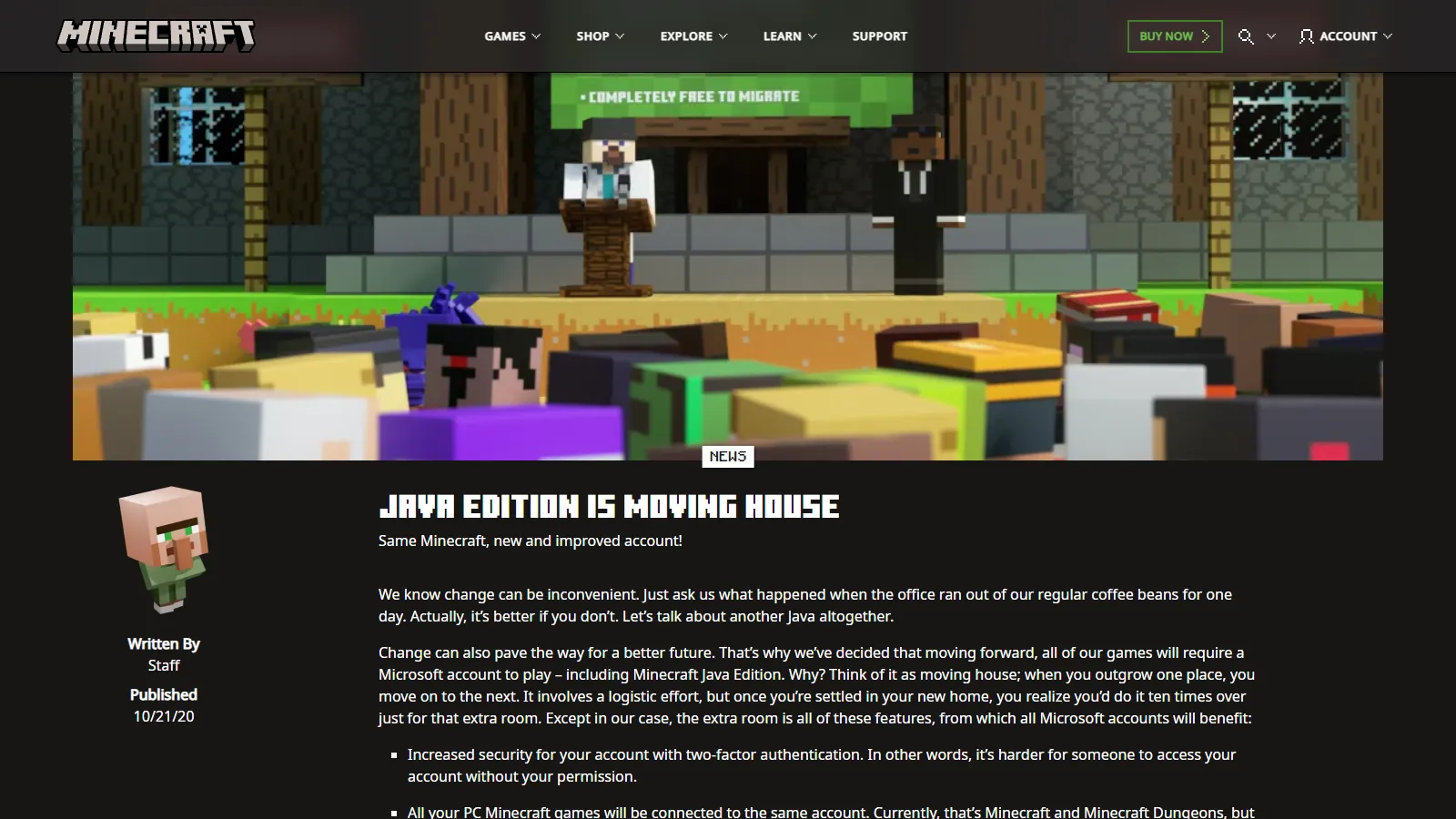
Screenshot: Java Edition is moving house (minecraft.net)
The Mojang account migration was the move of Minecraft: Java Edition ownership from old Mojang accounts to Microsoft accounts. Mojang announced it in October 2020, opened it in 2021, and closed it for good on September 19, 2023.
It is finished, but it still shapes the Java account market. It decides which capes exist, which old accounts are gone, and why "full access" now means access to a Microsoft account. This guide walks through what happened and how to check where an account you own stands today.
The short version
- Every Java Edition account that still works today signs in with a Microsoft account.
- Unmigrated Mojang accounts can no longer be migrated, and Minecraft Support no longer helps with migration questions.
- The Migrator cape went only to accounts that actually migrated. Nobody can earn it now.
- Legacy Minecraft accounts, the original username-based accounts, were part of the same migration and the same deadline.
Mojang account migration timeline
| Date | What happened |
| :----------------- | :----------------------------------------------------------------------------------------------------------------- |
| October 21, 2020 | Mojang announced that Java Edition would require a Microsoft account, and promised a cape for players who moved. |
| December 1, 2020 | New Java Edition purchases started using Microsoft accounts instead of Mojang accounts. |
| June 24, 2021 | Migration opened in batches. Eligible players got a prompt in the launcher and on their Minecraft.net profile. |
| July 9, 2021 | The Migrator cape began appearing on migrated accounts. |
| November 2021 | Legacy Minecraft accounts became eligible to migrate. |
| February 4, 2022 | Mojang announced that from March 10, 2022, Java Edition could not be played without moving to a Microsoft account. |
| March 10, 2022 | Unmigrated Mojang accounts started losing the ability to play, rolled out gradually. Migration itself stayed open. |
| May 8, 2023 | Mojang set the final cutoff: September 19, 2023. |
| September 19, 2023 | Migration ended. Unmigrated accounts could no longer sign in to migrate. |
| December 18, 2023 | The post-migration grace period ended. |
Two deadlines cause most of the confusion. March 10, 2022 was the date you stopped being able to play on an unmigrated Mojang account. September 19, 2023 was the date you stopped being able to migrate one at all. There was no March 2023 deadline.
Why Mojang made the move
The original announcement framed it as "moving house." Microsoft accounts brought two-factor authentication, one account for all of your Minecraft games, better parental controls, and chat and invite blocking.
Mojang was clear from the start that the move was mandatory. Players who migrated kept their username, skins, worlds, and progress. Mojang's 2023 notice also says Mojang account holders got Minecraft: Bedrock Edition for Windows when they migrated.
What happened after September 19, 2023
After the final cutoff, Mojang said unmigrated Mojang accounts could no longer sign in to Minecraft.net or the Minecraft Launcher to migrate.
For a short window after that, players who had missed the deadline could go through a post-migration process. According to the Minecraft Wiki, this did not restore the old account. It gave a fresh account without the old Java profile name, capes, or progress, and those accounts did not get the Migrator cape. The Minecraft Help Center says the grace period ended on December 18, 2023.
The current Help Center position, at the time of writing:
- Minecraft Support no longer assists with migration questions.
- To keep playing, you buy Minecraft again on a Microsoft account.
- Capes and skins on old, unmigrated Java accounts cannot be recovered.
- A new account needs a new username. The old one "may or may not be available."
- Singleplayer worlds stay on your hard drive, but you need to buy Java Edition on a Microsoft account to play them.
What happened to legacy Minecraft accounts
Before Mojang accounts, Java Edition used legacy Minecraft accounts. These signed in with a username instead of an email address. Many were later converted to Mojang accounts, which sign in with an email.
Legacy accounts that were never converted still had a way out. According to the Minecraft Wiki, a small batch became eligible to migrate straight to Microsoft accounts on November 23, 2021, and the rest the next day.
They had the same final deadline. A legacy account that was not migrated by September 19, 2023 is in the same position as any other unmigrated Mojang account: it cannot be moved to a Microsoft account anymore.
The Migrator cape: who got it
The Migrator cape was the reward Mojang promised in the 2020 announcement. According to the Minecraft Wiki:
- It went to players who bought Java Edition before December 1, 2020 and then migrated.
- It first appeared around July 9, 2021. Accounts that had already migrated got it then, and later migrations got it right away.
- It could be earned until migration ended on September 19, 2023.
- It is Java Edition only.
Mojang's February 2022 post confirmed that you still got the cape if you migrated after March 10, 2022.
Accounts first bought on or after December 1, 2020 never had a Mojang account to move, so they were never eligible. Not having a Migrator cape does not mean anything is wrong with an account.
You may also see talk of "veteran capes," one cape for each year a player had owned Java Edition. Text about them showed up during the migration, but they were never released. The Minecraft Wiki covers the history, including a 2025 Mojang comment that there was no way to make them fair and accurate for every player.
For how the Migrator cape compares with other rare capes, see Rare Minecraft Capes in 2026.
Why migration made "full access" mean Microsoft access
Before migration, controlling a Java account meant controlling a Mojang email and password. Now Java Edition requires a Microsoft account on Windows, macOS, and Linux. That Microsoft account holds the Java profile and the account's security settings.
So in practice, control comes down to one question: who controls the Microsoft account? If you can launch the game but cannot reach the Microsoft account's password and security info, someone else can take it back. That gap is what NFA and SFA listings leave open, and it is why NFA vs SFA vs MFA matters more than any cape or rank on the listing.
It also means "unmigrated" old accounts are not a hidden bargain. Whoever holds an unmigrated Mojang login holds something that can no longer be moved to a Microsoft account.
How to tell if an account you own is migrated and current
These checks only need your own login.
- Sign in to the Minecraft Launcher with a Microsoft account. Java Edition needs one. If the only login you have is an old Mojang email and password, the account was never migrated, and there is no official way to move it now.
- Check the All Games page on Minecraft.net. Sign in with the Microsoft account. Under Minecraft: Java Edition you should see your Java profile name and a Change Profile Name option. If you do, Java ownership is on that Microsoft account.
- Check the capes in the launcher. Open Minecraft: Java Edition, go to Skins, select your current skin, choose ... and then Edit. Any capes the account owns are listed there. A Migrator cape shows the account went through the migration. No Migrator cape is normal for accounts bought from December 2020 on.
- Confirm you control the Microsoft account itself. Being able to launch the game is not enough. Make sure you can change the password and security info. How to Secure a Minecraft Account After Buying covers the order to do it in.
- Ignore "migration services." Anyone offering to migrate an old Mojang account in 2026 is offering something Mojang ended on September 19, 2023.
FAQ
Can I still migrate a Mojang account?
No. Migration ended on September 19, 2023, and the post-migration grace period ended on December 18, 2023. The Minecraft Help Center says Support no longer assists with migration questions.
Was the migration deadline in 2022 or 2023?
Both, for different things. From March 10, 2022, you could not play Java Edition on an unmigrated Mojang account. From September 19, 2023, you could not migrate one at all.
Can I still get the Migrator cape?
No. It could only be earned by migrating, and migration is closed. Accounts set up through the post-migration process did not get it either.
What happens to the username on an unmigrated account?
The Minecraft Help Center says you will need a new username on a new account, and your previous one "may or may not be available." There is no promised release date.
Do I lose my singleplayer worlds?
Local world files stay on your computer. You need Java Edition on a Microsoft account to play them again.
Sources checked
- Java Edition is moving house (Minecraft.net, October 2020)
- Last call to voluntarily migrate Java accounts (Minecraft.net, February 2022)
- Mojang Account migration completed (Minecraft.net)
- Information about Mojang Accounts and Microsoft Account Migration (Minecraft Help)
- Accounts Required to Play Minecraft (Minecraft Help)
- View or Change Your In-Game Profile Name in Minecraft (Minecraft Help)
- Activate Promotional Capes on Your Java Edition Profile (Minecraft Help)
- Java account migration (Minecraft Wiki)
- Migrator Cape (Minecraft Wiki)
- Legacy Minecraft authentication (Minecraft Wiki)