Minecraft UUID Explained: Your Account's Real ID
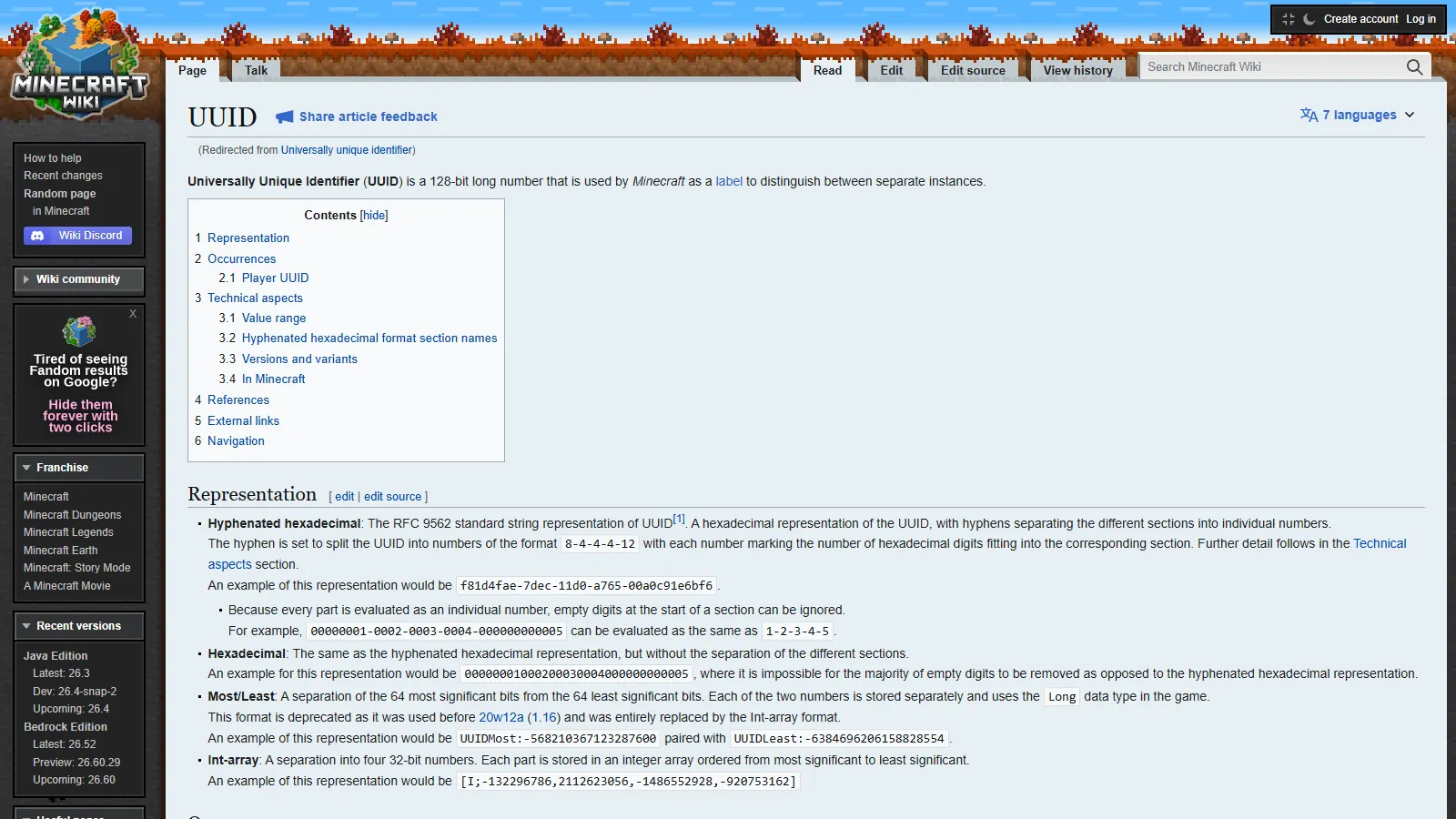
Screenshot: UUID – Minecraft Wiki (minecraft.wiki)
Every Minecraft: Java Edition account has two identities. One is the username you see in chat. The other is a Minecraft UUID, a long fixed ID that servers use to recognize you.
If you own more than one account, the UUID matters more than the name. It decides which inventory loads, which rank you get, and which ban list entry applies to you. This guide covers how UUIDs work, how servers check them, what goes wrong on offline-mode servers, and how to look one up.
What a Minecraft UUID is
A UUID (universally unique identifier) is a 128-bit number. Minecraft usually writes it as 32 hexadecimal characters, either plain or split by hyphens into groups of 8-4-4-4-12.
For example, the account jeb_ has this UUID:
853c80ef-3c37-49fd-aa49-938b674adae6
A player UUID is created when a Java Edition account is purchased and registered. For real accounts it is a version 4 UUID, which means it is almost entirely random. It is not based on your name, your email, or your computer.
Bedrock Edition works differently. It identifies players by an Xbox User ID (XUID), not a Java-style UUID. Everything below is about Java Edition.
UUID vs username
| | Username | UUID |
| :---------------- | :---------------------------------- | :----------------------------------- |
| Can it change? | Yes, through your Minecraft profile | No |
| Who sees it? | Everyone, in chat and the tab list | Mostly servers, plugins, and APIs |
| Used for storage? | No | Yes: player data, ranks, stats, bans |
This split dates back to 2014. Java Edition 1.7.6, released April 9, 2014, added support for name changes. Minecraft Wiki's player data history records that in the 1.7.6 pre-releases, player data files switched from being named by username to being named by UUID. Actual name changes opened to players on February 4, 2015.
That is why a rename does not reset anything. The server finds your saved data by UUID, and the UUID never moved. If you want the practical steps and limits for renaming, see how to change your Minecraft username and skin.
How online-mode servers confirm your UUID
Java Edition servers ship with online-mode=true as the default. In this mode the server does not just believe whatever your client says. It asks Mojang.
The login flow, simplified:
- Your client connects and tells the server which username it wants to use.
- The server sends back an encryption request with its public key.
- Your client builds a hash from that key and a shared secret. It sends the hash to
sessionserver.mojang.com, along with your access token and your profile UUID. - The server sends the same hash and your username to Mojang's
hasJoinedendpoint. - Mojang replies with your real UUID, your current name, and signed skin data. The server uses that answer.
Two things follow from this.
First, the server never sees your password. It only learns that Mojang confirmed this session belongs to this UUID.
Second, the access token in step 3 is what proves you are you. Anyone who steals a valid token can pass this check as your UUID, which is why token-stealing mods are so dangerous. See Minecraft session hijacking and token stealers for how that happens and how to cut it off.
Offline mode: when the UUID comes from the name
Some servers set online-mode=false. These are often called cracked servers. Minecraft Wiki's documentation of the setting says it should only be turned off when the server is not connected to the internet, because people with fake accounts can then join.
With online mode off, the server never contacts Mojang. It has to make up a UUID locally. It does this by taking the text OfflinePlayer: plus the username, hashing it with MD5, and turning the result into a version 3 UUID.
Compare the two UUIDs for the name Notch:
Real account UUID:     069a79f4-44e9-4726-a5be-fca90e38aaf5
Offline-mode UUID:     b50ad385-829d-3141-a216-7e7d7539ba7f
The offline UUID is calculated from the name alone, so:
- Anyone who types your username gets your offline UUID. No account or password is checked. On a plain offline-mode server, whoever joins with your name loads your inventory, your permissions, and your bans.
- Capitalization matters. The text is hashed exactly as typed, so
notchandNotchproduce different offline UUIDs and look like different players. - Your real account has no effect there. Owning a paid, secured account gives you no extra protection on an offline-mode server. Any protection comes from systems the server operator added, not from Mojang.
The practical takeaway is to treat any progress on offline-mode servers as unprotected. Never use your Microsoft account password for a login plugin on one of those servers.
How to look up a Minecraft UUID
UUIDs are public. You can look one up without signing in.
Name to UUID. Open this URL in a browser, with the username at the end:
https://api.mojang.com/users/profiles/minecraft/<username>
The response is a small JSON object with id (the UUID without hyphens) and name (the current name with correct capitalization). The name is not case-sensitive, so JEB_ and jeb_ return the same result. If no account has that name, you get a 404.
Minecraft Wiki also lists an equivalent endpoint at api.minecraftservices.com/minecraft/profile/lookup/name/<username>.
UUID to name. To find the current name for a UUID you already have:
https://api.minecraftservices.com/minecraft/profile/lookup/<uuid>
Many third-party lookup sites are built on these same endpoints. Mojang does change its APIs from time to time, and Minecraft Wiki notes that the first endpoint sometimes returns random 403 errors. The Mojang API page on Minecraft Wiki is the most up-to-date public reference.
Name history is no longer public
Mojang used to have an endpoint that listed every name a UUID had used. It was removed on September 13, 2022, according to the change history kept by Minecraft Wiki. The old address now returns a 404.
So there is no official way to see an account's earlier names anymore. Sites that still show name history are using their own saved records. They may be incomplete, and you cannot check them against Mojang.
Why bans and stats follow the UUID
A server can only store what it can identify reliably, and the UUID is the identifier that never changes.
- Vanilla bans. The built-in
/bancommand stops anyone from connecting with the UUID of the banned profile. The entry goes intobanned-players.json. - Player data. Your saved player file, which holds things like your inventory, is named after your UUID.
- Large networks. Hypixel's public API looks up player data by UUID, including rank and stats fields. That data is tied to the account, not the name tag.
Renaming an account therefore does not clear its ban history or reset its stats. Changing your IP doesn't either, because an account ban and an IP ban are two separate things. Minecraft IP bans vs account bans explains the difference.
What this means if you run alts
- Write down each account's UUID. Store it in the password manager entry with the rest of the account's details. Names can change; the UUID won't. More tips in how to manage multiple Minecraft accounts.
- Look up the UUID before you buy. A new name does not remove an account's history on any server. Whether you buy from our shop or anywhere else, the UUID is what servers will judge.
- Play important accounts on online-mode servers. That is where your UUID is actually backed by Mojang.
FAQ
Does changing my Minecraft username change my UUID?
No. The UUID is set when the account is created and stays the same through every name change.
Is it unsafe to share my UUID?
No. Anyone can look up any UUID through Mojang's public API. To log in as you, someone needs your access token or your Microsoft account. Your UUID alone is not enough.
Why is my UUID different on a cracked server?
Offline-mode servers never ask Mojang who you are. They make a UUID from OfflinePlayer: plus your username, so it will not match your real account UUID.
Can I see what names an account used before?
Not officially. Mojang removed the public name history endpoint in September 2022.